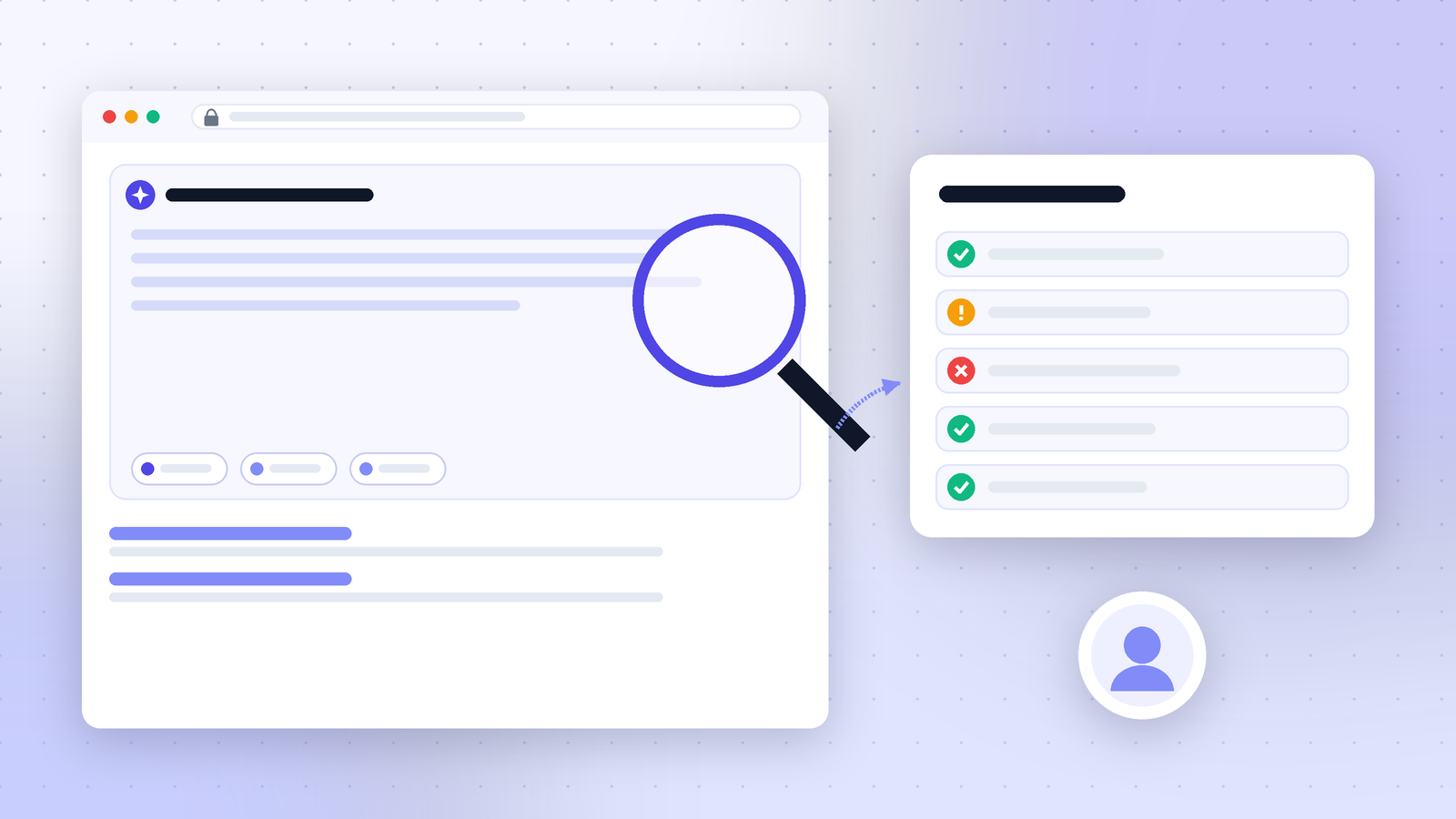
On October 2, 2026, it looked like Google had finally started tagging clicks from AI Overviews. A link in an AI Overview showed up with an extra bit on the end: ?st_source=ai_overview. Soon after, the story was updated. The tag wasn't coming from Google at all. It was being added by a Chrome browser extension.1
So nothing changed in how Google reports AI traffic. But the false alarm is a useful reminder of a real gap. Marketers badly want to know which visits come from AI Overviews and AI Mode, and right now Google doesn't give them a clean way to see that. This piece covers what happened, what Google actually provides today, and how to check any "new AI tracking" claim before you build reports on it.
What happened with the st_source parameter
A URL parameter is a small label added to the end of a web address, after a question mark. Analytics tools read these labels to work out where a visitor came from. So when a parameter that literally says "ai_overview" appears on links inside Google's AI answers, people pay attention.
Here is the sequence, as Search Engine Roundtable reported it on October 2, 2026:1
- Tom Pool posted on LinkedIn that he had "just started seeing the ?st_source=ai_overview parameter on links mentioned within AI Overviews" and asked whether this was "the start of actual proper attribution reporting."
- Barry Schwartz of Search Engine Roundtable tried to see it himself. He wrote: "I tried to replicate this in several browsers, but I am unable to."
- The story was then updated with the answer: "Turns out it was a Chrome Browser Extension modifying the URLs to include these parameters. Presumably to sell the data on to brokers..."
CONFIRMED, per Search Engine Roundtable's update (passing on what Tom Pool found): the parameter was added by a Chrome extension, not by Google.
REPORTED, not yet confirmed: why the extension did it. The "sell the data on to brokers" part is a guess in the update itself ("presumably"). The extension was not named, and Google made no statement.
The original headline framed it as a Google test. Some people will only see that headline and miss the update. If you saw the story shared that way, the correct version is simple: Google is not adding this parameter.
Timeline: how Google's AI reporting got here
The false alarm makes more sense against what Google has really shipped this year.
| Date | What happened |
|---|---|
| February 11, 2026 | The Register reports a researcher found 287 Chrome extensions sending browsing history to data brokers, with 37.4 million installs in total.2 |
| June 3, 2026 | Google announces Generative AI performance reports in Search Console, covering Search and Discover, first for a subset of sites.3 |
| August 11, 2026 | Search Engine Roundtable reports the report reaching more sites. Google's John Mueller says it's "not yet every domain."4 |
| October 2, 2026 | A ?st_source=ai_overview parameter is spotted on AI Overview links, then traced to a Chrome extension.1 |
What Google actually reports for AI Overviews and AI Mode today
Google's own documentation is clear about where AI traffic shows up. Sites that appear in AI features "are included in the overall search traffic in Search Console." They are reported "in the Performance report, within the 'Web' search type."5
In other words, AI Overview and AI Mode clicks are mixed in with your normal Google search clicks. There's no separate bucket for them in the Performance report.
Google's help page on Search Console metrics explains how each one is counted:6
| Metric | AI Overviews | AI Mode |
|---|---|---|
| Click | "Clicking a link to an external page in the AI Overview counts as a click." | "Clicking a link to an external page in AI Mode counts as a click." |
| Impression | "Standard impression rules apply." | "Standard impression rules apply." |
| Position | The whole AI Overview takes one position, and every link inside it gets that same position. | Follows the same method as a normal Google results page. |
One detail matters for AI Mode. When someone asks a follow-up question, Google treats it as a new query, and the metrics are counted against that new query.6 So one AI Mode conversation can show up as several different queries in your data.
The Generative AI report: impressions, not clicks
The newer Generative AI performance report helps, but only partly. Search Engine Journal summed it up as "all impressions and no clicks."3 An impression means your page was shown. It doesn't mean anyone clicked it.
Here is what the report includes and leaves out, based on Search Engine Journal's and Search Engine Roundtable's coverage:3,4
| Included | Not included |
|---|---|
| Impressions in AI features on Search and Discover | Clicks |
| Breakdown by page, country and device | Queries |
| Dates, down to hourly | Click-through rate |
The report also won't appear for every site. Mueller said it is only shown "if there's sufficient data to display."4 Smaller sites may not see it at all yet.
Why the extension angle matters for your data
This wasn't just a mix-up about who added a label. It shows how easily data from a single browser can look like a platform change.
Browser extensions can read and change the pages you visit. That includes rewriting the links you see. The Register's February 2026 report gives a sense of scale: one researcher found 287 Chrome extensions passing browsing history to outside companies, with 37.4 million installs combined.2 That report was about different extensions, so it doesn't tell us which one added st_source. But it does show that extensions touching your links is common, not rare.
Two practical risks follow from this:
- False signals. If one person on your team has an extension like this, they may "see" a Google change that no one else sees. Screenshots from that browser then travel around the team as proof.
- Polluted reports. If you built an analytics rule that counts any visit with
st_source=ai_overviewas "AI Overview traffic," you would only be counting visitors who happen to run that extension. That's a tiny, random slice. It would make AI Overviews look smaller than they are, and it could change without warning.
RETHINK: if anyone on your team already added st_source to a channel rule or dashboard filter after October 2, take it out.
A five-step check before you trust a "new AI tracking" signal
This is the routine we'd use before building any report on a newly spotted parameter or label. It takes about 15 minutes.
- Try a clean browser. Open a new browser profile with no extensions, or use a guest window. Run the same search. If the parameter disappears, it's coming from your browser, not the platform.
- Try a second device. Use a phone on mobile data, signed out. Platforms often test features on only some users, so not seeing it doesn't prove much. But seeing it on a clean device is strong evidence.
- Look for the platform's own words. Check the official docs or blog. OpenAI, for example, states in its help center that "ChatGPT automatically includes the UTM parameter utm_source=chatgpt.com in referral URLs."7 That's the kind of statement you want. Google's AI features page has no matching statement for AI Overviews or AI Mode.5
- Check your own analytics data. Search for the parameter in your landing page URLs over the past 30 days. A real platform tag should show up across many visitors. A tag added by one extension will show up rarely, and only from the small group of people who run it.
- Wait a news cycle. The October 2 story was corrected in an update soon after it ran.1 Waiting 24 to 48 hours before changing dashboards costs little.
What you can measure instead right now
Since Google doesn't split AI clicks out, the honest approach is to combine what each source does show. Here's how the main sources compare:
| Source | What it tells you | What it can't tell you |
|---|---|---|
| Search Console Performance report (Web) | Total Google clicks and impressions, with AI features included5 | Which clicks came from AI Overviews or AI Mode |
| Search Console Generative AI report | Which pages were shown in AI features, and how often3,4 | Clicks, queries or click-through rate |
| ChatGPT referral tag | Visits from ChatGPT links, via utm_source=chatgpt.com7 | How often ChatGPT mentioned you without anyone clicking |
| AI answer tracking (running a fixed set of prompts) | Whether your brand is named or cited, and next to which competitors | Traffic, unless paired with the data above |
Worked example: a rough AI exposure score per page
You can't get AI clicks. But you can see which pages are most exposed to AI features, then watch those pages more closely. Here's an illustrative example. The numbers are invented to show the method, not taken from a real site.
| Page | Web impressions (Performance report) | AI feature impressions (Generative AI report) | AI share of impressions |
|---|---|---|---|
| /pricing | 40,000 | 2,000 | 5% |
| /guide-to-x | 60,000 | 27,000 | 45% |
| /x-vs-y | 20,000 | 11,000 | 55% |
The math is simple. Divide AI feature impressions by Web impressions for the same page and the same date range. So for /guide-to-x, 27,000 divided by 60,000 is 45%.
What this tells you:
- /guide-to-x and /x-vs-y are heavily exposed. About half the time they're shown, an AI feature is involved. If their click-through rate in the Performance report falls, AI answers are a likely suspect. That's a reason to look closer, not proof of the cause.
- /pricing is barely exposed. A traffic drop there probably has a different cause, such as rankings, seasonality or a spam update.
A note on the method: treat this as a rough guide, not an exact figure. The two reports are separate, and Google doesn't publish a guide to comparing them line by line. Use it to rank pages by exposure and spot trends over time, not to report a precise "AI share" to a client.
What to tell clients and bosses
Agencies and in-house teams will get asked about this story. Here is a plain way to answer:
- "Can we see AI Overview clicks now?" No. Google still counts them inside normal Web search clicks.5
- "What can we see?" Which pages appear in AI features and how often, if your site has the Generative AI report.3,4 Plus ChatGPT visits through its own tag.7
- "Should we change our dashboards?" Not because of the October 2 story. Nothing changed on Google's side.1
Being clear about what's not measurable is better than showing a number built on a tag that only a handful of browsers add.
Open questions
- Will Google add clicks to the Generative AI report? Google hasn't said. Today it shows impressions only.3
- Which extension added the parameter? It hasn't been named in the coverage, so there's no way yet to check what else it changes.1
- Will Google ever tag AI Overview links? There's no public sign of it. The October 2 sighting was not a Google test.
See where AI answers mention you, not just where Google shows you
Search Console can tell you a page appeared in an AI feature. It can't tell you what the answer said, whether your brand was named, or which competitors were cited next to you. Ripplix tracks brand mentions, citations and competitors across AI answers, including ChatGPT and Google AI Overviews.
Get your free AI Visibility Report →
Sources:
- Search Engine Roundtable: Google Tests URL Tracking Parameters To AI Overviews & AI Mode, with update (October 2, 2026)
- The Register: Devilish devs spawn 287 Chrome extensions to flog your browser history to data brokers (February 11, 2026)
- Search Engine Journal: Google Now Reports AI Search Impressions. Here's How To Read Them (August 4, 2026)
- Search Engine Roundtable: Google Search Console Generative AI Performance Report Expands To More (August 11, 2026)
- Google Search Central: AI features and your website
- Google Search Console Help: What are impressions, position, and clicks?
- OpenAI Help Center: Publishers and Developers FAQ