Most talk about AI and websites is about reading. A crawler fetches your pages, a model reads them, and an answer engine decides whether to mention you. WebMCP is about something else: doing. It is a proposed web standard that lets a website hand an AI agent a short list of actions it can take, such as "search products" or "add to cart," in a clear, structured form.1
Chrome now has a panel in DevTools that shows whether a page registers these actions. That makes it possible, for the first time, to check any site in a few minutes. This piece explains what WebMCP is, how it differs from crawlers and screen-scraping agents, what is known and unknown about why it matters, and how to run the check yourself. It ends with an illustrative example of which actions a mid-size store might expose first, and which it should hold back.
What WebMCP is, in plain words
An AI agent is an AI system that takes steps on a user's behalf, such as finding a product and putting it in a cart. Today, most agents use a website the way a person does. They look at the page, guess what each button means, and click.
WebMCP gives the website a way to say directly: "Here are the things you can do on this page, here is what each one needs, and here is what you'll get back." Each of these actions is called a "tool." Chrome's documentation describes WebMCP as "a proposed web standard to help you build and expose structured tools for AI agents."1
A tool has four parts:
- A name, such as search-products.
- A description in plain language, telling the agent what the tool does and when to use it.
- An input schema, which is a structured list of the inputs the tool expects (for example, a search phrase and a maximum price).
- The code that runs when the agent calls it.
The name "WebMCP" comes from MCP, the Model Context Protocol. MCP is a common way for AI apps to connect to outside tools, usually through a company's servers. WebMCP brings the same idea into the web page itself. The tools run in the browser, inside the page the user already has open.2
Who is behind it and where it stands
The specification is published by the W3C's Web Machine Learning Community Group. It is labeled a "Draft Community Group Report," and the latest draft is dated 13 November 2026. The document also says plainly that it is not a W3C Standard and is not on the W3C Standards Track.3 In other words, it is a proposal that is still being worked on, not a finished rule of the web.
The public explainer on GitHub was first published on August 13, 2025, by authors from Microsoft and Google.2 Here is the timeline of the Chrome side, as far as the primary sources show:
| Date | What happened |
|---|---|
| August 13, 2025 | WebMCP explainer first published on GitHub2 |
| May 18, 2026 | Chrome publishes its WebMCP documentation1; Chrome's approval for the experiment says it may run "from M149 to M156 inclusive"4 |
| June 2, 2026 | Chrome 149 DevTools adds experimental WebMCP debugging tools in the Application panel5 |
| June 9, 2026 | Chrome announces sites can sign up for the WebMCP origin trial in Chrome 1496 |
| 13 November 2026 | Date on the latest Draft Community Group Report3 |
An "origin trial" is a time-limited test. A website signs up, gets a token, and can then use a new browser feature with real visitors before it becomes standard. Chrome's own announcement says origin trials are time-limited programs and there may be usage limits.6 "M149 to M156" means Chrome versions 149 through 156. Microsoft also lists a WebMCP origin trial on its Edge origin trials site, with a trial expiration date of March 30, 2027.7
A note on the API name: the current explainer registers tools with document.modelContext.registerTool().2 Chrome's experiment record refers to the feature as navigator.modelContext.4 So the API has moved during the proposal. If your developers search for code examples, they will find both names, and older guides may be out of date.
Chrome also describes two ways to build tools. The declarative way adds annotations to normal HTML forms. The imperative way defines tools in JavaScript.1 The specification itself currently focuses on the JavaScript version, and the form-based version is being explored separately.2
How WebMCP differs from crawlers and screen-scraping agents
It helps to put WebMCP next to the two other ways AI systems meet your site.
AI crawlers are programs that download your pages so a company can train models or answer questions. They read. They do not press buttons or fill in forms for a user.
Screen-scraping agents do take actions, but by copying a person. The explainer describes how general-purpose agents often watch the browser through screenshots and snapshots of the page's structure, then act by simulating human input.2 It calls this "brittle UI actuation (DOM scraping, simulated clicks)." Actuation simply means operating the page. The DOM is the page's underlying structure. The explainer also notes that even when agents succeed this way, simple tasks often take many steps and can be slow or unreliable.2
WebMCP agents still work in the browser, in the same tab as the user, but they can skip the guessing. The site tells them what each action is for. Chrome's documentation says this is more reliable than actuation, which may have numerous steps and leaves each step open to interpretation by the agent.1
| AI crawler | Screen-scraping agent | Agent using WebMCP tools | |
|---|---|---|---|
| What it does | Reads and stores page text | Looks at the page and clicks like a person | Calls actions the site has described |
| Where it runs | On the AI company's servers | In a browser | In a browser tab, with the page loaded |
| Who decides what it can do | Your crawler rules (for example, robots.txt) | Mostly the agent's own guesses | The site, through the tools it registers |
| Main weakness | Can't complete tasks | Breaks when the layout changes; many steps | Only works where the site has built tools |
One more difference matters a lot. WebMCP is not meant for agents that run alone with no person watching. The explainer lists "fully autonomous workflows" as a non-goal and says the API is not intended for agents where a browser interface is not present.2 Chrome's documentation says the API is primarily designed for local browser workflows with a human in the loop.1 "Human in the loop" means a person can see what the agent is doing and step in.
The explainer also says it wants to stop web apps from being cut out of the picture. One stated goal is to adapt front ends for agents "rather than replacing them."2 So the idea is that the user still sees your site, your brand and your page, while the agent helps.
Why it matters for AI visibility and agent shopping (and what's unknown)
Here is the honest picture. There is a reasonable argument for paying attention, and a long list of things nobody can answer yet.
The case for paying attention
- Reliability. If an agent can call search-products and get clean results, it is less likely to fail on your site than if it has to guess its way through filters and menus. Failed tasks are a real cost, because a user who asked an agent to buy something may simply end up somewhere else.
- Control. The explainer says WebMCP is meant to give the web developer more control over whether and how an AI agent interacts with their site.2 With scraping, the agent decides. With tools, you choose which actions exist.
- Your words reach the agent. Tool names and descriptions are loaded into the model's context, which is the information the model holds while working.2 That means you write the description the agent reads, not a third-party page.
What is not known yet
- No source says WebMCP affects rankings or citations. None of the primary sources describe it as a ranking factor for Google, ChatGPT or any other AI answer. It does not change how an answer engine decides which brands to mention. An agent still has to find your site first.
- Which agents will use it is unclear. The specification describes generic consumers (agents inside the page, and the browser's own agent) and leaves the browser agent's internal mechanism up to each browser.3 Chrome's announcement names no specific agent and says the goal is APIs "that any browser with agentic capabilities can implement."6
- Whether agents will prefer sites with tools is untested in public. It is logical that a reliable path beats a guessed one. But no public data yet shows agents choosing one store over another because it exposes tools.
- The API can still change. Chrome says WebMCP is under active discussion and subject to change.1 The name change from navigator to document above is a live example.
- How user confirmation works is not settled. The explainer lists a way for a tool to ask the user for confirmation as something still being explored.2 Chrome's security page says consent management is still being discussed across parties.8
How to check any site in 5 minutes with Chrome DevTools
Chrome 149 added a WebMCP view to the Application panel of DevTools. DevTools is the set of developer tools built into Chrome. The release notes call these debugging tools experimental and say WebMCP is "a proposed web standard in early preview."5 Here are the steps, following Chrome's documentation:
- Use Chrome 149 or later. The WebMCP debugging tools arrived in that version.5
- Turn on two flags. Open chrome://flags and enable
#devtools-webmcp-supportand#enable-webmcp-testing, then relaunch Chrome.5 Flags are switches for features that are not on by default. - Open the site you want to check. Start with a page where an action makes sense, such as a search results page or a product page.
- Open DevTools, click the Application tab, and select WebMCP in the top level of the sidebar.9
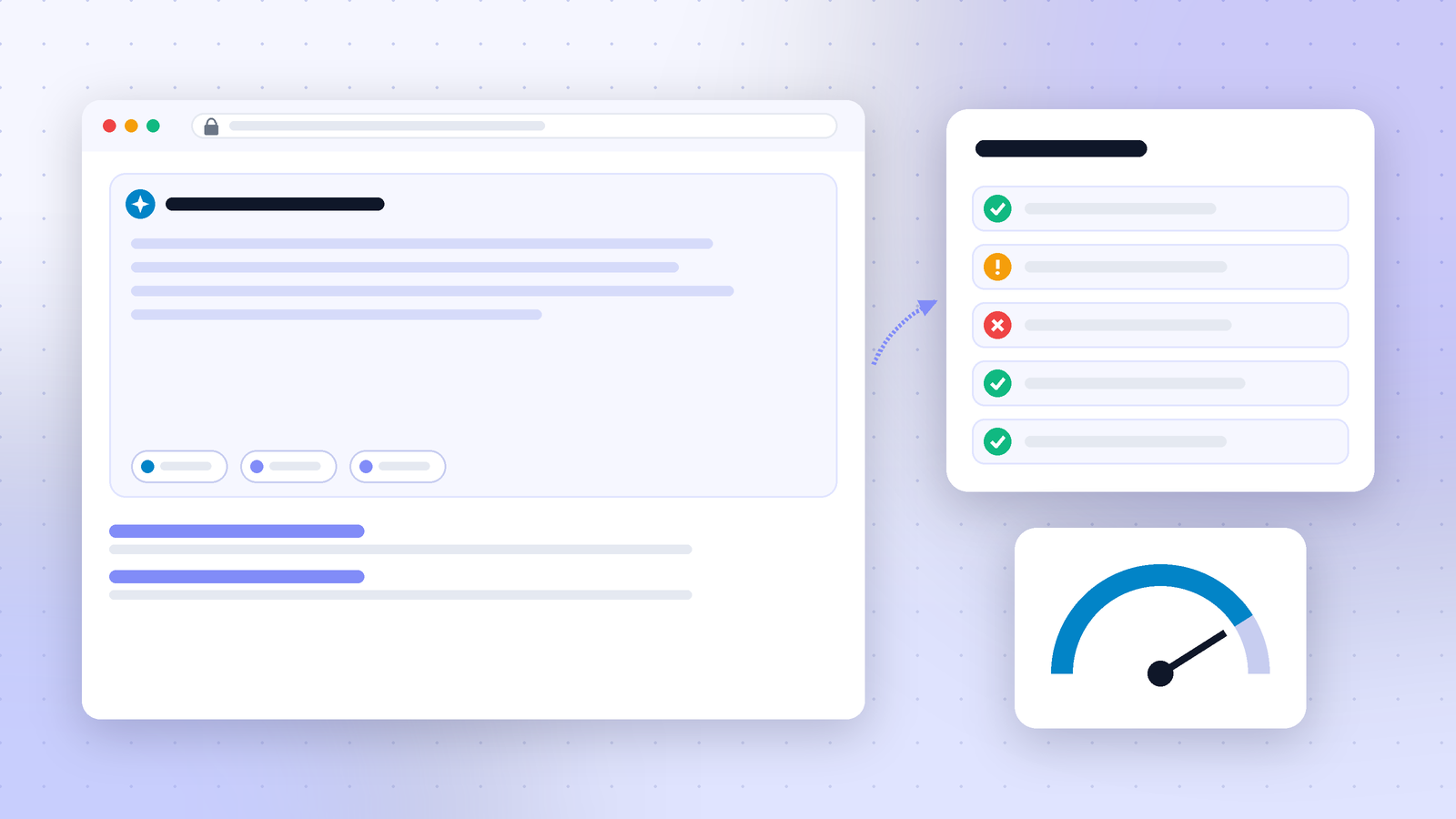
- Read the "Available tools" list. It shows each tool's name and description as the agent sees them, plus a counter of how often each one has been called.9 If the list is empty, the page registers no tools, at least in its current state.
- Check the tool type. You can filter by Declarative tools (defined in HTML) or Imperative tools (defined in JavaScript).9 This tells your developers how the site built them.
- Visit two or three more page types. Chrome's guidance suggests registering tools when they're useful in a certain page state and unregistering them afterwards.10 So a cart page may show different tools from a home page. Check the home page, a category or search page, a product page, and the cart.
- On your own site only, run a tool by hand. You can click a tool in Available tools, change its parameters and click Run tool, without any agent.9 The "Invoked tools" log then shows the status (Completed, Canceled, In Progress, or Error), the inputs and the output.9 Don't run tools that change anything on a site you don't own.
Write down what you find in a simple table: page type, tool names, what each description says, and whether the description is clear to someone who has never seen the site.
Two more things the panel is good for, on your own site. First, it shows errors when inputs or outputs don't match the tool's schema.9 Second, the invocation counter shows whether an agent ever chose a given tool when testing with a prompt.9 A tool that agents never pick may have a vague name or description. For teams that want to automate checks, Chrome's documentation says DevTools for agents has two WebMCP functions, list_webmcp_tools and execute_webmcp_tool, which are off by default and need an experimental setting to turn on.9
Illustrative example: what a mid-size store should expose first
This is an illustrative composite example. "Harbor & Pine" is an invented home goods retailer, not a real company or client. It sells about 4,000 products online and has a handful of physical stores. The choices below apply Chrome's published guidance on tool design and security to a typical store.
Three ideas from that guidance shape the choices:
- Fewer, clearer tools. There is no maximum number of tools, but Chrome warns that the more tools you provide and the more they overlap, the harder it is for the agent to pick correctly.10 The explainer adds that every tool uses up space in the model's context and can add confusion.2
- Mark tools that only read. The specification includes a readOnlyHint for tools that don't change anything.3 Chrome says this helps the agent decide when to ask the user to confirm.8
- Flag serious actions. The specification includes a consequentialHint for tools whose actions have real consequences, and an untrustedContentHint for output that contains data the site does not vouch for.3 Chrome gives booking travel and transferring money as examples of high-stakes actions.8
Here is how Harbor & Pine might sort its first set of actions:
| Tool name | What it does | Risk | Expose now? |
|---|---|---|---|
| search-products | Finds products by keyword, with optional filters for price, color and size | Low. Read-only. | Yes. Mark as read-only. |
| get-product-details | Returns price, dimensions, materials, stock and delivery options for one product | Low. Read-only. Prices must match the page. | Yes. Mark as read-only. |
| check-store-stock | Shows whether a product is in stock at a chosen store | Low. Read-only. | Yes. Mark as read-only. |
| add-to-cart | Adds a product and quantity to the user's cart, which stays visible on the page | Low to medium. Changes the cart, but easy to undo. | Yes. Make sure the visible cart updates at once. |
| get-order-status | Shows the status of an order for the signed-in user | Medium. Personal data. | Later. Only on signed-in pages, after a privacy review. |
| summarize-reviews | Returns customer review text for a product | Medium. Review text is user-written and could contain hidden instructions. | Later. If added, mark output as untrusted. |
| apply-discount-code | Tries a promo code on the cart | Medium. Agents could try many codes. | No. Leave it in the normal UI. |
| place-order | Pays and submits the order | High. Spends money; hard to reverse. | No, not without confirmation. Keep the final step with the person. |
| update-account-address | Changes saved addresses or account details | High. A wrong change sends goods to the wrong place. | No. |
Why stop at four "yes" tools? The first four cover the most common job an agent will do for a shopper: find a product, check the facts, check stock, and build a cart. Each one does a single thing, which Chrome recommends.10 None of them spends money. The user still reviews the cart and pays through the normal checkout.
Why hold back place-order? The confirmation step is the part of WebMCP that is least settled.28 Chrome's own security guidance notes that LLMs can be fooled by indirect prompt injection, where an attacker hides instructions in content the model reads.8 Until there is a clear, tested way for the person to approve a payment, the safest design keeps that step in your own checkout page.
Two design details matter as much as the list:
- Write descriptions in plain, positive language. Chrome recommends saying what the tool does and when to use it, rather than listing what not to do.10 For example: "Searches Harbor & Pine products by keyword. Use when the shopper describes an item they want."
- Check inputs again when the tool runs. The explainer advises validating inputs, authorization and other conditions inside the tool's code, because the page may have changed since the agent first saw the tool.2 For example, add-to-cart should check stock at that moment, not trust what the agent saw a minute ago.
What to watch next
- The end of the Chrome trial. The approved experiment runs through Chrome 156.4 Watch whether Chrome announces a plan to ship WebMCP by default, extends the trial, or changes course.
- Other browsers. Edge already lists an origin trial.7 Watch for statements from other browser makers and from companies that build agents.
- A settled confirmation method. Until the spec has a clear way for tools to ask the user for approval, high-stakes actions should stay out of scope.2
- Changes to the API name and shape. The move from navigator.modelContext to document.modelContext shows the details can still change.24
- The form-based version. If the declarative, HTML-form approach becomes part of the spec, many stores could expose basic tools with little new code.2
- Public evidence on agent behavior. The big open question is whether agents finish more tasks, or prefer certain sites, when tools exist. No public data answers that yet.
For now, the practical move is small. Run the five-minute check on your own site and on two or three competitors. Ask your developers whether a short list of read-only tools would be easy to add during the trial. Then treat WebMCP as one thing to track, not as a fix for AI visibility.
Know where you stand before agents arrive
WebMCP only helps once an agent is already on your site. Getting there still depends on whether AI assistants mention and cite your brand when shoppers ask. Ripplix shows which prompts name you, which name competitors, and which sources the answers lean on.
Get your free AI Visibility Report →
Sources:
- Chrome for Developers: WebMCP (published May 18, 2026; updated October 7, 2026)
- GitHub, webmachinelearning: WebMCP explainer (first published August 13, 2025)
- W3C Web Machine Learning Community Group: WebMCP, Draft Community Group Report (13 November 2026)
- Chromium blink-dev: Intent to Experiment: WebMCP (May 2026)
- Chrome for Developers: What's new in DevTools, Chrome 149 (June 2, 2026)
- Chrome for Developers: Join the WebMCP origin trial (June 9, 2026)
- Microsoft Edge: WebMCP origin trial (expires March 30, 2027)
- Chrome for Developers: WebMCP tool security (published June 9, 2026; updated September 1, 2026)
- Chrome for Developers: Debug WebMCP tools (last updated May 12, 2026)
- Chrome for Developers: WebMCP best practices (published May 18, 2026; updated October 30, 2026)