
User manual · 11
Brand Settings: competitors found in answers
On Brand Settings, Competitors found in answers lists the brands AI names in answers to your questions that you do not track yet. Tracking a brand puts it in your charts beside you, so you can see who is winning.
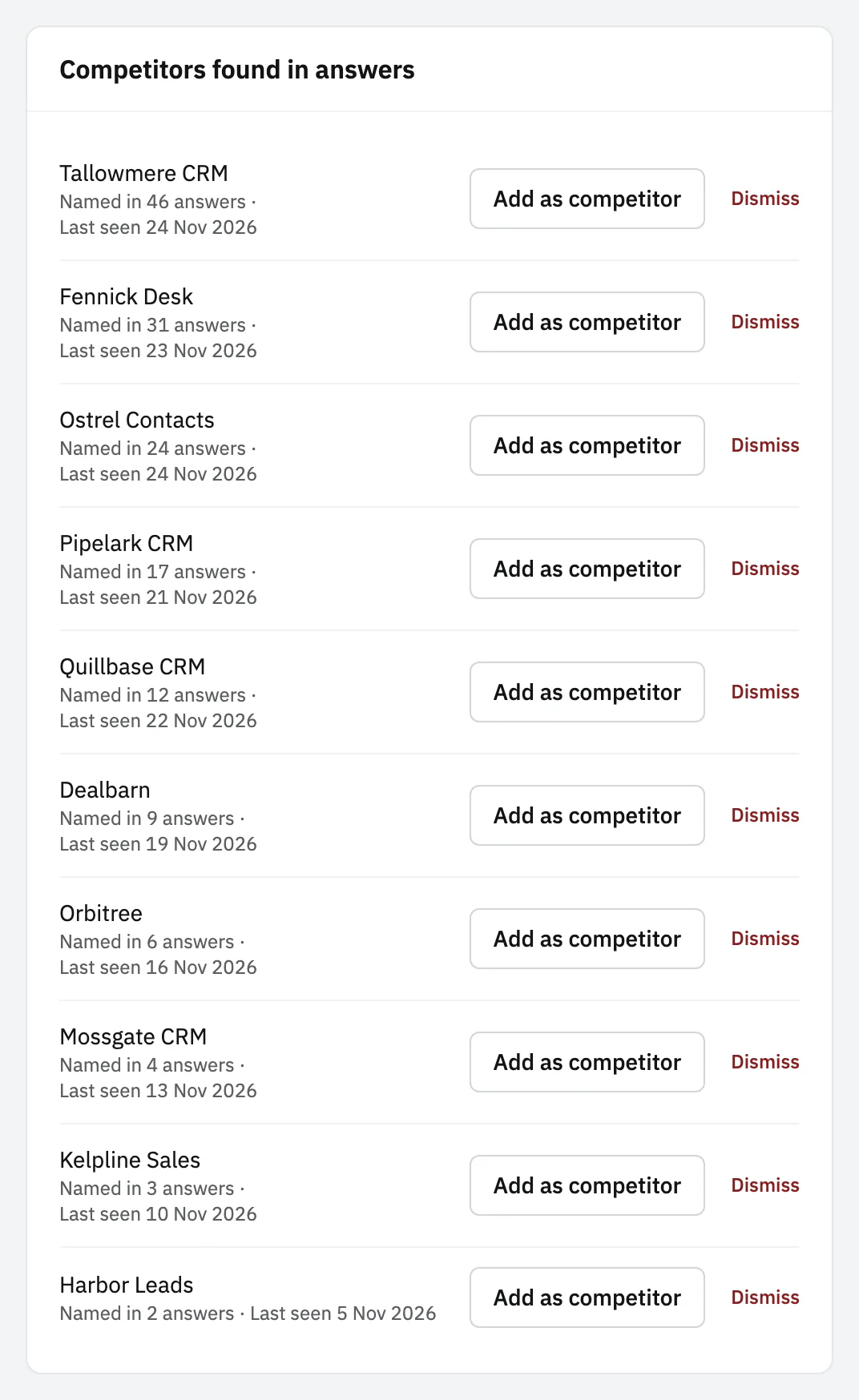
Each one shows how many answers named it and when it was last seen, with the most-named first. The first 20 show; Show all lists the rest. Your own brand, your competitors and their other names are left out.
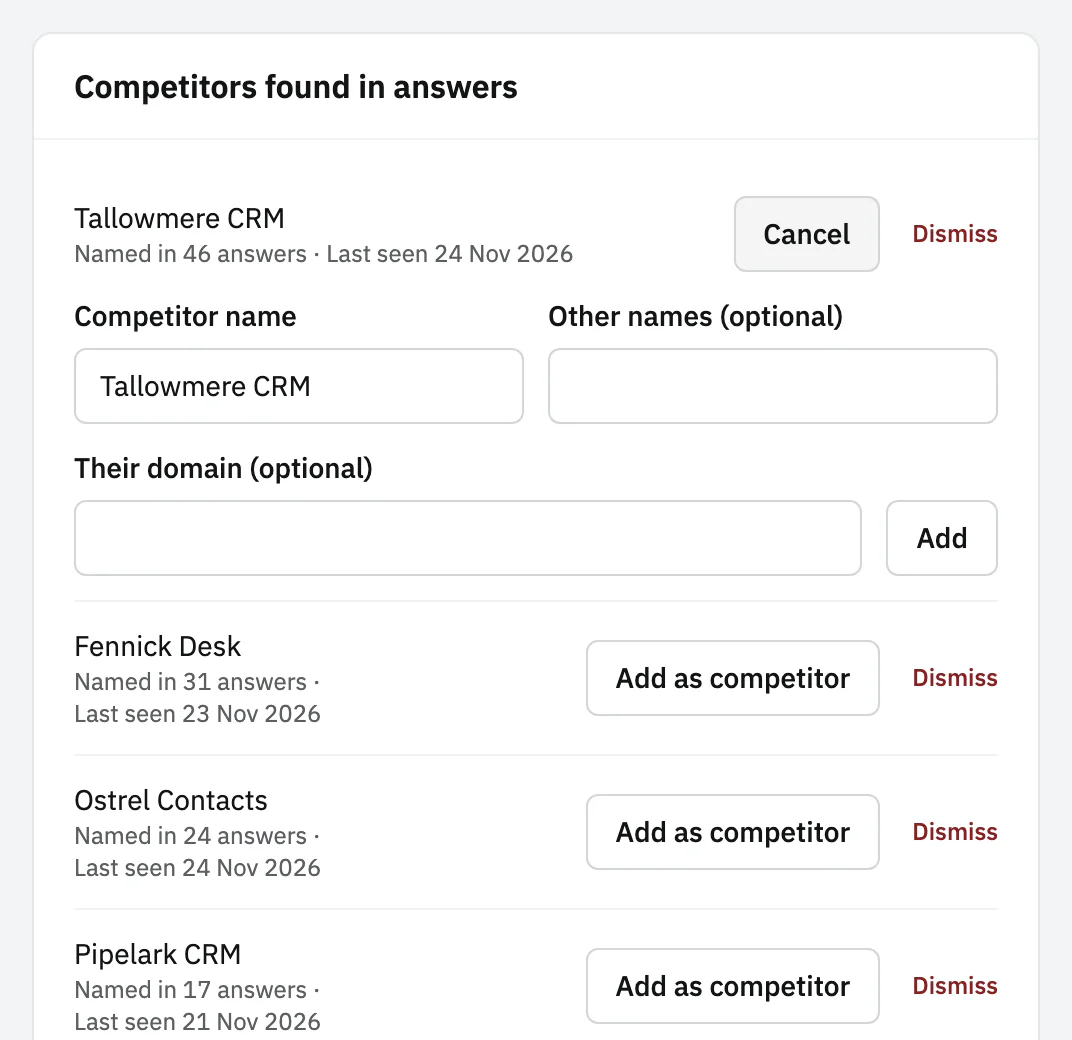
- Add as competitor opens a short form. The name is filled in; change it if AI writes it oddly, and add other spellings or their website. Press Add, and it joins your competitors. Ripplix counts it in your recent answers as well.
- Dismiss asks you to confirm, then stops suggesting that name to your whole team. There is no undo, but you can still add it by hand under Competitors.
Adding and dismissing use no credits. The counts do not change with the dates you choose.